
 Ethan Cole

Consider upgrading to a multifunctional device that enhances your daily routine. These advanced timepieces not only display time but also connect seamlessly to other gadgets, offering functionality far beyond the conventional. Look for models that support notifications from your smartphone, allowing you to receive calls, messages, and app alerts right on your wrist.
High-quality instruments typically come equipped with fitness tracking capabilities, heart rate monitors, and GPS functionality. Brands like Apple, Samsung, and Garmin offer robust options that cater to various lifestyles, from fitness enthusiasts to professionals on the go. Choose a model that fits your design preferences and practical needs, ensuring comfort and style.
Battery life ranges significantly between devices; some can last several days, while others may require daily charging. Review user feedback on longevity and performance to select the best choice for your schedule. Additionally, consider water resistance ratings, especially if you engage in outdoor activities or workouts.
Integrating these devices into your daily life can streamline tasks and boost productivity. Whether it’s managing your calendar, controlling smart home devices, or accessing entertainment, these gadgets promise convenience and efficiency. Upgrade to a technologically advanced piece that complements your lifestyle and keeps you connected at all times.


A Device with Connectivity
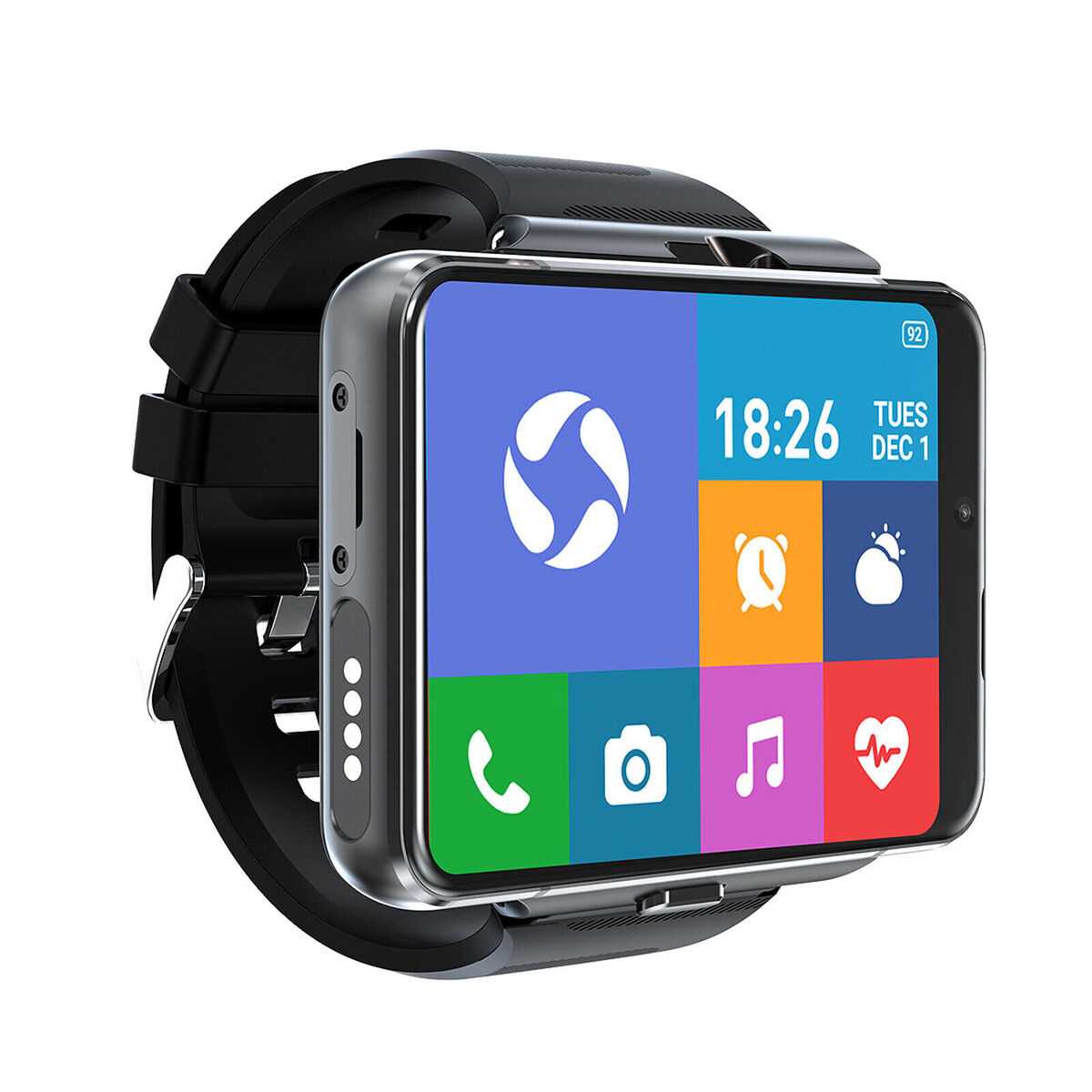
Utilize a smart gadget on your wrist to enhance daily productivity and communication. These devices can receive notifications from various applications, allowing you to stay informed without reaching for your mobile device.
Consider models that support voice commands for hands-free operation, enabling interaction with virtual assistants. Features such as heart rate monitoring and GPS tracking can also provide valuable health insights during physical activities.
Check the compatibility with your smartphone’s operating system, ensuring seamless integration for app notifications, music control, and messaging. Battery life varies significantly; opt for options offering extended endurance to reduce the frequency of charging.
- Look for built-in apps tailored to fitness tracking.
- Evaluate waterproof ratings for durability during activities.
- Explore customizable watch faces to suit personal style.
- Ensure Wi-Fi connectivity for smooth updates and data synchronization.
Security should be a key factor; opt for models that offer secure authentication methods to protect personal data. Regular software updates are also necessary to address vulnerabilities and enhance functionality over time.
Research user reviews and expert opinions to make informed decisions regarding performance and reliability. A trial period may be beneficial to assess comfort and usability before committing fully.
Choosing the Right Smartwatch for Your Needs
Assess fitness tracking functionalities. Look for models that monitor heart rate, sleep patterns, and activity levels. If exercise is a priority, opt for devices with advanced metrics and compatible apps.
Operating System Compatibility
Ensure compatibility with your mobile device’s operating system. Models running Android or iOS may offer specific applications and features tailored to their ecosystems. Verify app availability crucial for your daily tasks.
Battery Life and Charging
Evaluate battery longevity. Frequent charging can be inconvenient; therefore, consider options that maintain power for several days or even weeks. Check the type of charging method–wireless or standard–to ensure it suits your preferences.
Examine customization features. Bands and watch faces should match your style and allow for personalization. Aesthetic appeal can enhance daily wear, ensuring the device remains stylish and functional.
Review notifications and alerts. If fast communication is essential, prioritize models that support a wide range of notifications, including calls, messages, and app alerts. This feature enhances connectivity without constant phone use.
Price plays a significant role. Determine your budget and compare features across various price points. This evaluation helps identify the best fit without overspending.
Seek user reviews and ratings. Real-world feedback provides invaluable insight into performance and reliability, guiding informed decisions before the purchase.
Connecting Your Smart Device to the Network: A Step-by-Step Guide
Ensure Bluetooth is activated on your smartphone first. Access the settings of your mobile device and navigate to Bluetooth settings. Enable the feature, and keep this screen open.
Next, wake your smart device and access its settings menu. Locate the option for Bluetooth pairing. Select it and make sure the device is discoverable. This often involves tapping a specific button or option.
Return to your smartphone and search for available devices. Your smart gadget should appear in the list. Select it to initiate pairing.
If prompted, confirm the pairing code displayed on both screens. After confirming, the connection should establish, and they will sync settings automatically.
Once paired, search for Wi-Fi options on your smart device. Connect to your preferred network by selecting it from the available list and entering the Wi-Fi password.
After successful connection, verify that all features, such as notifications and health tracking, work seamlessly with your smart gadget. This can be done through the companion application on your smartphone, ensuring synchronization is performed correctly.
Finally, check for software updates within the settings of your smart device. Keeping the firmware up to date ensures optimal performance and security. Regularly monitor for updates to take advantage of the latest enhancements.
Utilizing Apps on Your Internet-Enabled Timepiece
To maximize the potential of your connected device, focus on downloading specialized applications that cater to your specific interests. Fitness enthusiasts should consider health-tracking applications, which monitor activities and provide insights into personal trends. Look for options that sync seamlessly with other personal devices for a holistic view of performance.
For communication needs, opt for messaging platforms that integrate effortlessly. This allows for notifications and quick responses directly from your wrist, enhancing convenience during busy hours without needing to reach for your smartphone.
Leverage productivity apps that manage schedules, reminders, and tasks. Calendar applications that synchronize with your primary email account ensure you never miss a meeting or important date.
For those who enjoy entertainment, explore music streaming apps that enable control without needing to access your phone. This can elevate workouts or leisure time by simplifying access to your favorite tracks.
Consider navigation applications to provide real-time directions directly on your device. This feature proves useful for travelers and commuters, reducing the need to constantly check your phone.
Regularly update apps to ensure you benefit from the latest features and security patches. Look for user reviews and recommendations to identify the best applications suited to enrich your experience.
Battery Life Management for Smartwatches with Internet Connectivity
Optimize performance by implementing power-saving settings on your device. Reducing screen brightness and limiting background app activity can significantly enhance battery longevity.
App Management
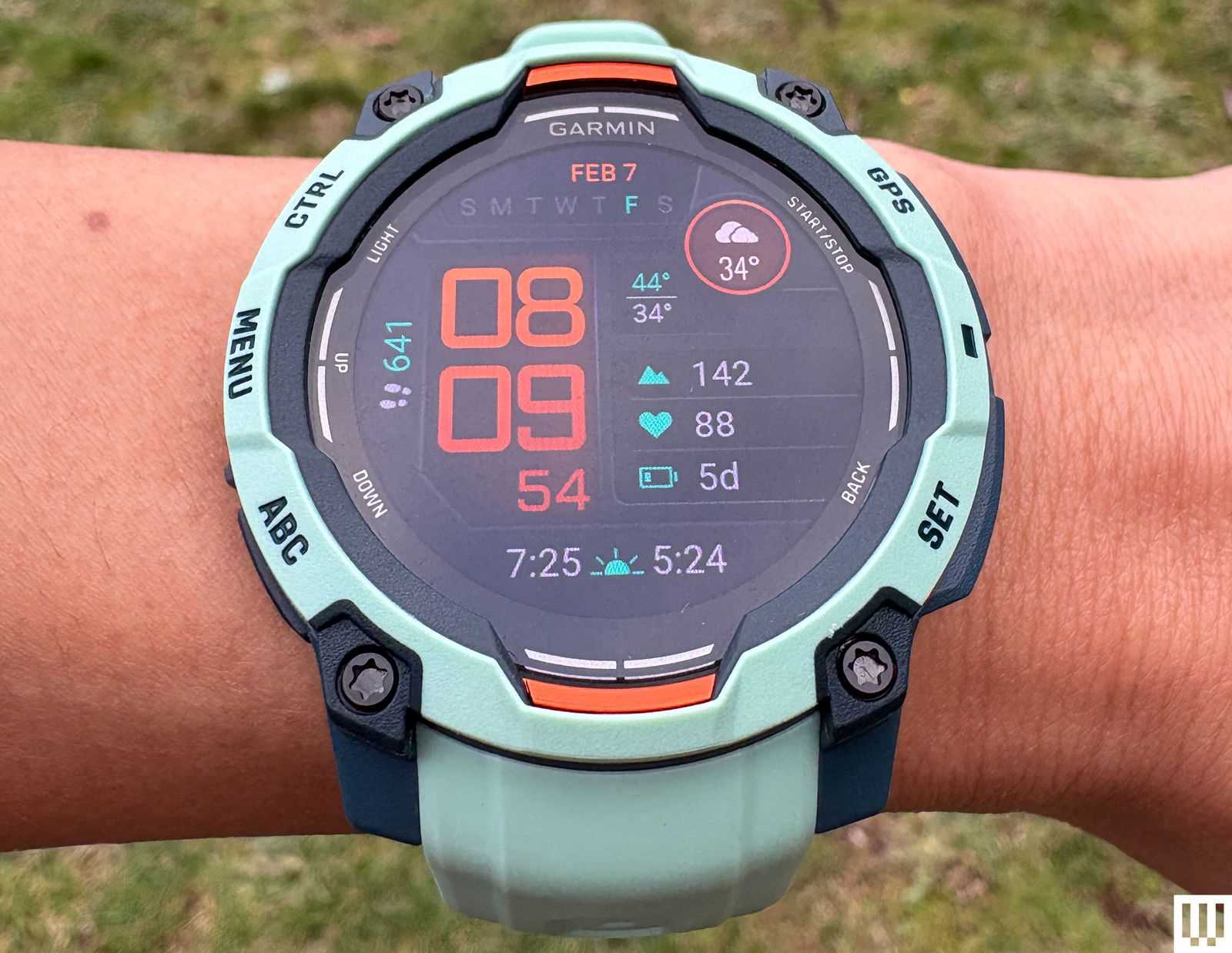
Monitoring which applications are running is crucial. Regularly close unused apps and limit notifications to essential services only. Tools that track app usage can guide necessary adjustments to improve battery efficiency.
Regular Updates
Keep software up-to-date. Manufacturers regularly release updates that include power management improvements. Ensuring your device runs the latest version can extend operational times between charges.
Consider utilizing features like airplane mode during periods of inactivity. This minimizes unnecessary connectivity demands and prolongs battery life effectively.
Privacy and Security Considerations for Connected Devices
Always opt for a model that supports robust encryption protocols such as AES (Advanced Encryption Standard). This ensures data transmitted between the wearable and paired devices remains confidential and less susceptible to unauthorized access.
Secure Your Accounts
Utilize unique passwords for applications linked to the wearable. Enable two-factor authentication whenever possible to add an additional barrier against potential breaches. Regularly audit account permissions, revoking access from any application that appears unnecessary or suspicious.
Data Sharing and Application Permissions
Be diligent in reviewing the permissions requested by applications. Limit access to personal information such as location, contacts, and health metrics unless absolutely required. Disable any settings that allow continuous background data collection unless needed for specific functionalities.
Stay informed about software updates, as manufacturers frequently release patches that address security vulnerabilities. Schedule regular updates to maintain an optimal level of protection and functionality. Also, consider regularly checking the manufacturer’s website or user forums for any reported security issues.
Finally, employ a reputable antivirus solution on the paired mobile device to provide an additional layer of security against malware that may target connected technologies.



