
 Ethan Cole

Choosing the right position for the accessory is key. It should sit comfortably just above the wrist bone, allowing for easy access to the screen and buttons. Adjust the strap for a snug fit that won’t slide around during daily activities.
Customizing the interface can greatly enhance your experience. Most devices allow you to select watch faces, notifications, and widgets based on personal preference. Opt for a layout that aligns with your routine, ensuring that vital information is readily available without excessive scrolling.


For optimal functionality, connect your timepiece to your smartphone. This will enable syncing for calls, messages, and app notifications, merging convenience with style. Remember to manage notifications wisely to avoid clutter and distractions throughout the day.
Incorporate the gadget into your outfit, considering the occasion. Sleek metallic designs complement formal attire, while vibrant colors and sporty styles suit casual wear. Accessorizing thoughtfully enhances both aesthetic and practicality.
Regular charging is essential. Create a routine that ensures the device remains powered for everyday use. Some models offer battery-saving modes for extended life, which is useful during travel or busy periods.
Guidelines for Using a Digital Timepiece
Position the strap comfortably two finger widths above the wrist bone. This placement ensures easy access to the buttons while preventing any discomfort during daily activities.
Align the face of the device to sit flat against your wrist for optimal visibility. This orientation allows for quick checking of the display without awkward angles.
Adjust the size of the band for a snug but comfortable fit. Ensure it’s neither too tight nor too loose to avoid movement that may hinder functionality or cause irritation.
Utilize the features effectively. Familiarize yourself with timers, alarms, or fitness tracking functions to maximize usage and enhance daily productivity.
Maintain a clean surface by regularly wiping it down with a soft cloth to prevent scratches. This practice preserves the clarity of the display and extends the lifespan of the accessory.
Choose styles that complement your wardrobe. Match the color and material to your outfit for a cohesive look that enhances personal style.
Consider functionality based on your lifestyle. Select a model with features suited to your daily activities, whether that’s waterproofing for sports or a sleek design for professional settings.
Choosing the Right Size for Your Wrist
Select a timepiece that complements your arm’s circumference. Measure the wrist at its widest point using a soft measuring tape or a piece of string, then compare it to a ruler. Standard sizes typically range from 6 to 8.5 inches.
If your measurement falls between standard sizes, consider options with adjustable bands for an optimal fit. A snug but comfortable fit ensures stability; it shouldn’t move freely or cause discomfort.
For smaller wrists, opt for sleeker designs to avoid overwhelming your arm. Larger individuals may prefer bulkier styles that provide a balanced aesthetic. This attention to proportions contributes to overall appearance.
Keep in mind the thickness of the casing; a thicker watch may visually bulk up thinner arms. Conversely, slim profiles suit petite frames. Test how the piece looks and feels for a holistic understanding.
Finally, consider the closure mechanism. A secure clasp not only enhances wearability but also affects how snug the piece sits. Aim for a compromise between style and comfort, ensuring the accessory enhances your overall look.
Adjusting the Strap for Comfort
Ensure a snug fit by keeping the strap close to your skin without causing discomfort. The ideal position is just above the wrist bone, allowing for easy movement while preventing slipping.
Follow these steps for optimal adjustment:
- Determine the appropriate length by testing various adjustments. The strap should not pinch or leave marks on the skin.
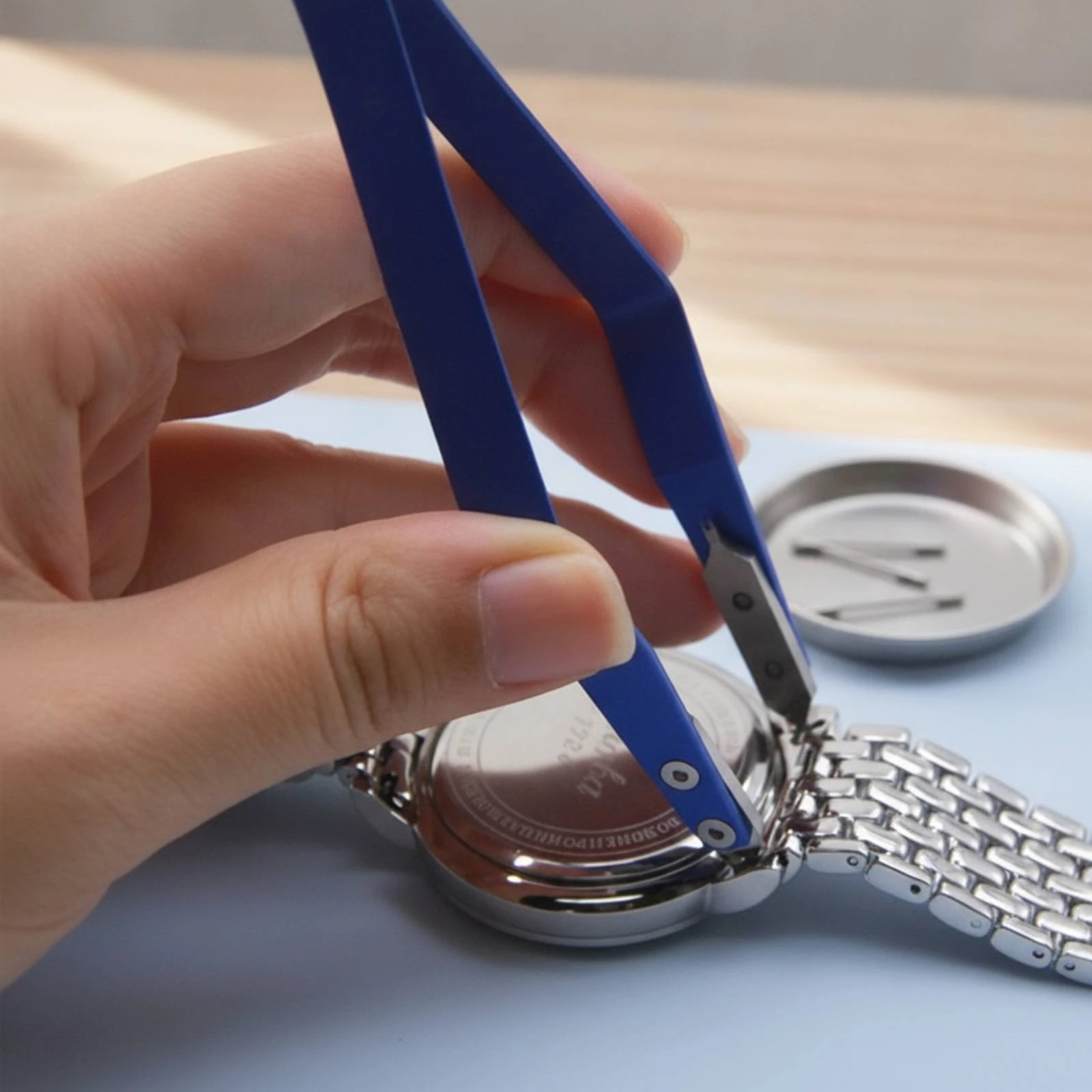
- Use the provided tools or buckle mechanisms to modify the strap’s size. For metal options, you may need to remove links for a precise fit.
- For silicone or leather variations, utilize the holes or clasps effectively to achieve a secure hold.
Periodically check the adjustment throughout the day. A strap that is too loose can shift, while one that is too tight may restrict circulation and cause discomfort.
If the weather is hot or during physical activity, consider loosening the band slightly for ventilation, reducing skin irritation.
Finally, ensure the fastening mechanism is reliable, providing peace of mind during daily tasks. Adjust as needed if you notice any looseness over time. Regular maintenance guarantees both comfort and functionality.
Positioning the Device for Optimal Visibility
Position the timepiece just above the wrist bone for easy access to the display. This placement allows for a quick glance while keeping the screen in an upright orientation, maximizing visibility.
Ensure the strap isn’t too tight to prevent discomfort, which can affect your ability to read the screen. A comfortably snug fit lets the device remain stable without obstructing your view.
Consider the angle as well; tilt the hand slightly outward when checking the display. This angle enhances readability and minimizes glare from surrounding light sources.
For athletes or those who lead an active lifestyle, adjust the positioning so that it sits firmly against the skin. This can reduce shifting during movement and keep the screen’s interface easily accessible.
Be mindful of clothing. Ensure sleeves don’t drape over the device, as this can cause obscured visibility. Opt for short sleeves or carefully roll up long sleeves to maintain clear sight of your gadget.
Coordinating with Your Outfit Style
Pair tones and materials of your accessory with clothing choices for a cohesive look. For casual outfits, a sporty silicon or plastic piece complements denim and athleisure fabrics. Choose neutral shades for versatility.
Formal Attire
When dressing up, opt for a sleek metallic or leather strap. Stick to minimalistic designs to blend seamlessly with suits and dresses. Darker hues can exude sophistication, while lighter tones add a fresh appeal.
Casual Wear
Embrace colorful or patterned options when going for a relaxed appearance. Match these with your sneakers or casual shoes to maintain a unified aesthetic. Accessories, such as bracelets, can also enhance the overall style without overwhelming the look.
Consider the overall vibe of your outfit. If the clothing incorporates vivid designs, choose simpler timed devices to avoid visual clutter. In mixed outfits, let one piece take the spotlight while others provide a complementary base.
Understanding Digital Features for Everyday Use
Familiarize yourself with multiple functionalities available, which can significantly enhance daily activities. A basic stopwatch feature is highly practical for timing various events like workouts or cooking. Use the alarm function to set reminders for important tasks throughout the day.
Utilize the backlight option during low-light conditions to check the time without strain. Many timepieces also offer timers that count down, making them useful for precise activities requiring attention.
Notification Integration
Connect your device to your smartphone to receive alerts for messages, calls, and apps. This feature ensures you remain updated while allowing discretion during meetings or social gatherings. Customizing notification settings helps prioritize which alerts matter most.
Fitness Tracking
If applicable, take advantage of fitness monitoring features. Heart rate sensors and pedometers provide valuable insights into your daily activities and health status. Syncing this data with mobile applications can help track progress over time, making it easier to set and achieve fitness goals.
Regularly explore the available settings within your gadget to tailor these tools to best fit your lifestyle. Understanding the capabilities offered will maximize the benefits and versatility, making each function serve your needs effectively.
Caring for Your Digital Timepiece
Regular cleaning maintains functionality and appearance. Use a soft, lint-free cloth to wipe the screen and casing. For tougher stains, slightly dampen the cloth with water, avoiding any openings to prevent moisture damage.
Battery Maintenance
Monitor battery life to prevent running out unexpectedly. Some models have battery-saving features; familiarize yourself with them to prolong usage. Replace batteries as needed, preferably at authorized service centers for optimal performance.
Software Updates
Keep the operating system up to date. Check the manufacturer’s website or companion app for available updates. Install these updates to benefit from new features and enhanced security.
| Care Tip | Description |
|---|---|
| Regular Cleaning | Use a soft cloth to wipe the surface regularly. |
| Battery Monitoring | Track battery life and utilize energy-saving settings. |
| Software Updates | Update regularly through the manufacturer’s platforms. |
| Storage | Avoid extreme temperatures and humidity when storing. |
Avoid exposing the gadget to high temperatures or extreme humidity to prevent damage to internal components.
FAQ:
What are the different styles of digital wrist watches and how do I choose one that fits my personality?
Digital wrist watches come in various styles, including sporty, casual, formal, and fashion-forward designs. To choose a watch that matches your personality, consider your daily activities and wardrobe. For example, if you lead an active lifestyle, a sporty watch with features like a stopwatch or heart rate monitor may suit you best. On the other hand, if you often attend formal events, a sleek digital watch with a minimalist design would be more appropriate. Additionally, think about the colors and materials that resonate with you—metal bands exude sophistication, while silicone straps offer a more relaxed vibe.
How do I properly set up my digital wrist watch for the first time?
Setting up your digital wrist watch typically involves several steps. First, remove any protective films or coverings. Next, locate the settings button, which often resembles a small knob or button on the side of the watch. Press this to enter the setup mode. You’ll usually be prompted to set the time and date; follow the on-screen instructions to adjust these settings. Be sure to explore additional features, like alarms, timers, or connectivity options, depending on the model. Consulting the user manual can also provide specific instructions tailored to your watch.
Can I wear my digital wrist watch while exercising or swimming? What should I consider?
Wearing a digital wrist watch during exercise or swimming depends on the watch’s specifications. Many sports watches are designed for activity and have features like water resistance and heart rate monitoring. Before you wear your watch for such activities, check its water resistance rating; watches with a rating of at least 50 meters are generally suitable for swimming. Additionally, consider the comfort and durability of the strap—silicone or rubber straps tend to perform better during intense workouts due to their flexibility and sweat resistance. Always consult the manufacturer’s guidelines for the best practices regarding exercise use.
How should I care for and maintain my digital wrist watch?
Maintaining your digital wrist watch is important for its longevity. Regular cleaning is essential; use a soft, damp cloth to wipe the watch body and strap, especially after workouts or exposure to dust and sweat. Avoid using harsh chemicals that could damage the finish. If your watch is water-resistant, make sure to check the seals periodically, especially before water exposure. For watches with rechargeable batteries, follow the manufacturer’s recommendations for charging to avoid overcharging. If your watch includes features like a touch screen, ensure it’s well protected with a screen protector to guard against scratches.



